Articles
Tips for getting more out of your phone, your TV and your home screen.
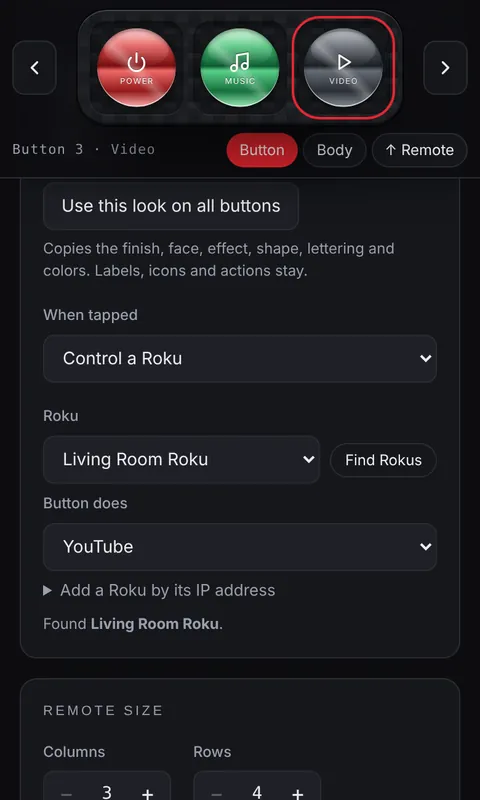 How to make your own Roku remote on your phoneTurn your phone into a Roku remote with just the buttons you use: what you need, the 10 setup steps, a 12-button layout, and which Rokus can't do TV power and volume.
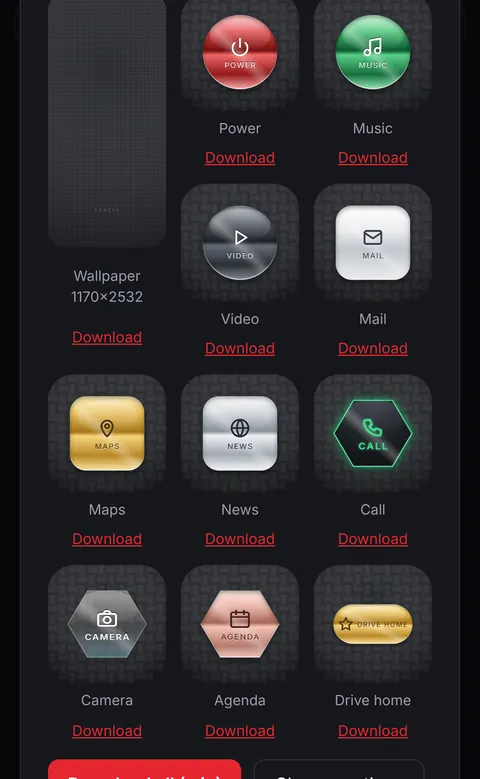 How to change app icons on iPhone and AndroidGive your home screen a matching look: how custom app icons work on iPhone (with the Shortcuts app) and Android, and how to make a matching icon set and wallpaper.
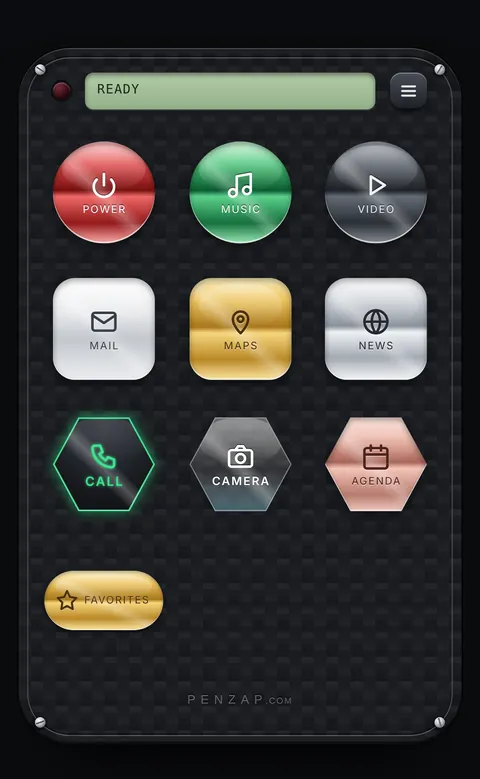 How to add a website to your home screenPut any website on your iPhone or Android home screen so it opens with one tap, like an app. Simple steps for Safari, Chrome and Samsung Internet.
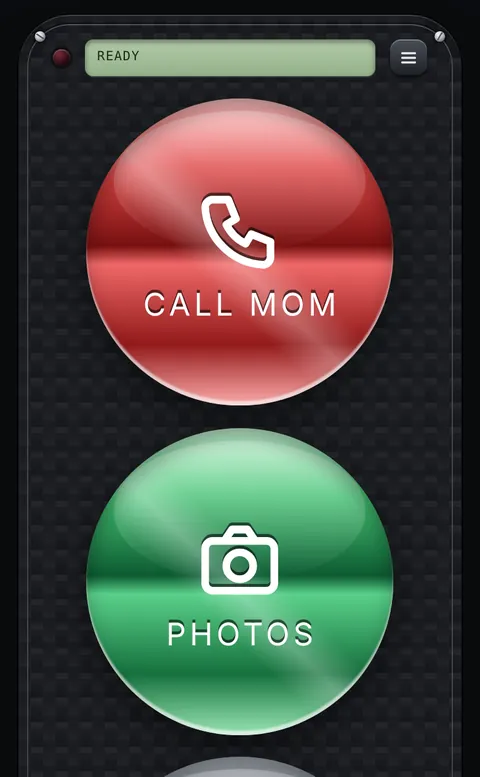 How to set up a simple phone for a parent or grandparentMake a phone easier for an older parent: the built-in simple modes on iPhone and Android, bigger text, and a home screen of big buttons that call family in one tap.
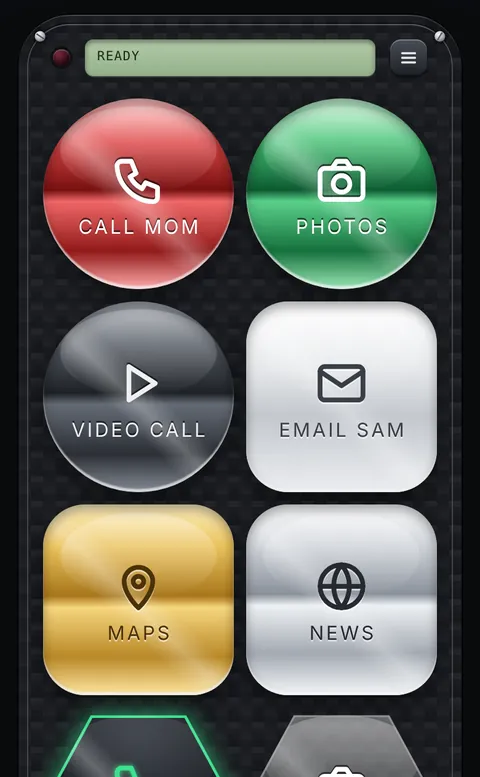 How to put speed dial on your home screenCall or text the people you talk to most with one tap from your home screen: the built-in ways on iPhone and Android, and a speed dial screen with big photo buttons.
Lost your Roku remote? How to control a Roku without itRemote lost or broken? Use your phone as a Roku remote, the buttons on a Roku TV, or a replacement remote, plus what to do if the Roku isn't on Wi-Fi.
How to set a picture as your wallpaper on iPhone and AndroidSet any photo as your home or lock screen wallpaper: steps for iPhone, Pixel and Samsung, where downloaded pictures end up, and how to make one that fits.
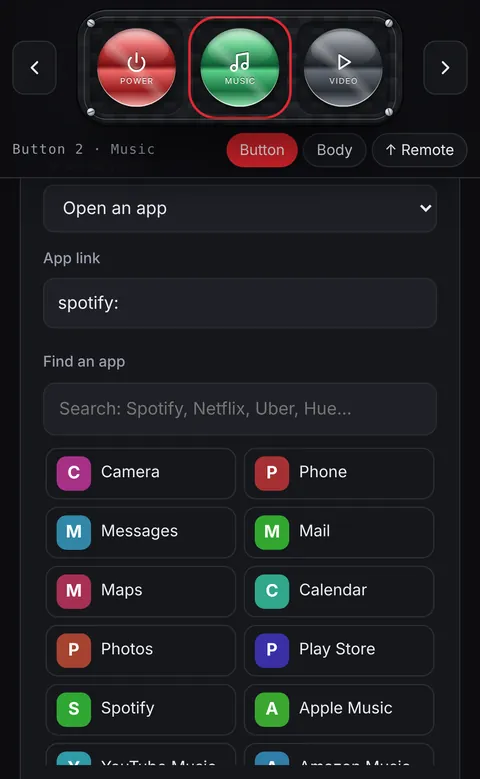 How to organize your phone's home screenToo many apps? Clean up your iPhone or Android home screen with folders, the App Library, widgets and one screen of shortcuts for the things you use every day.
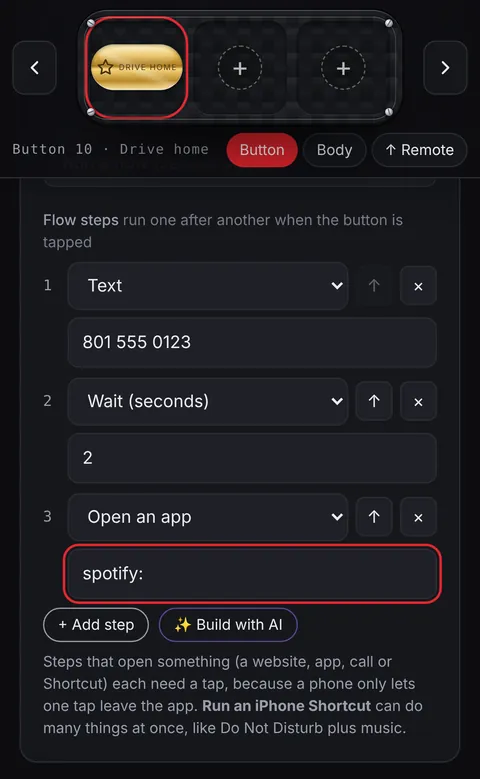 How to run several steps with one tap on iPhone and AndroidDo a morning or drive-home routine with one tap: iPhone Shortcuts, Android routines, and Penzap flows that text, open apps, control a Roku and more from one button.
How to send an "on my way" text before you driveLet family know you're on the way without typing: Share ETA on iPhone, trip sharing in Google Maps, Driving Focus replies, and one big button set up before you leave.