Penzap · TV remote on your phone
Your phone as a TV remote
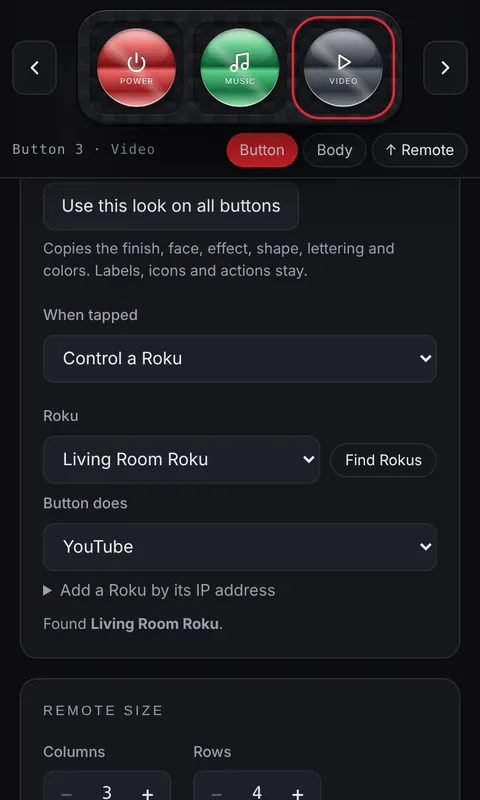
Penzap turns your phone into a remote for Roku TVs and Roku streaming players, with your own layout: just the buttons you use, big and clearly labeled, next to your other shortcuts.
Which TVs work
- Roku TVs (TCL, Hisense, onn. and other TVs with Roku built in): navigation, channels, inputs, power and volume.
- Roku streaming players and sticks: navigation, Play, Home and channels. TV power and volume don't work on some models, such as the Roku Express, because those players can't control the TV's power or volume.
- Other smart TVs aren't supported yet.
What you need
- Penzap Pro: Roku control is part of Pro.
- The Penzap app on your phone (the Android app is in early access). Web browsers block websites from talking to devices on your home Wi-Fi, a security rule we can't change, so Roku buttons can't work on penzap.com in a browser.
- Your phone on the same Wi-Fi as the TV, and on the Roku: Settings → System → Advanced system settings → Control by mobile apps → Network access → Default.
Learn more
- Read how to make a Roku remote on your phone, step by step.