Penzap · Roku remote
A Roku remote you design yourself
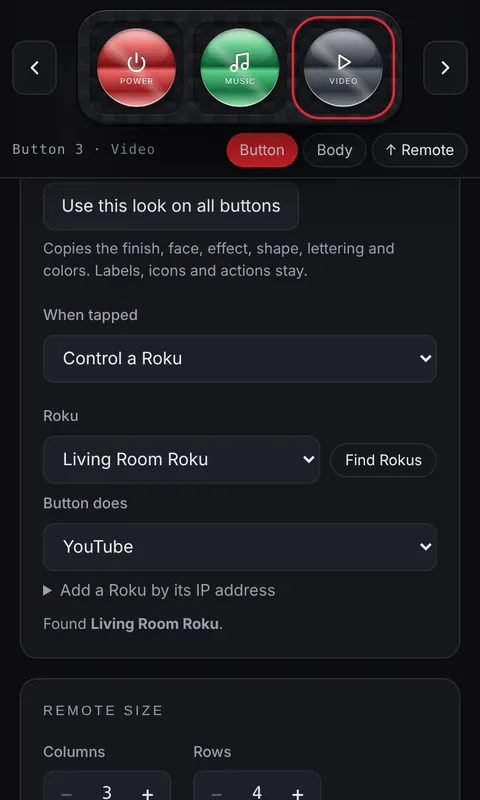
Penzap buttons can send Roku commands, so your phone becomes a remote with exactly the buttons you want: your favorite channels, volume, Play and Home, in the colors and shapes you like, next to your other shortcuts.
What it can do
- Home, Back, OK and the arrow keys, Play/pause, rewind and fast forward.
- Volume up and down, mute, and TV power on Roku TVs.
- Switch inputs (HDMI 1–4, antenna) and open any installed channel.
- Put Roku commands into a flow, like "Movie night".
What you need
- The Penzap app on a phone that's on the same Wi-Fi as the Roku. A web browser can't talk to a Roku, so Roku buttons work in the app; the Android app is in early access.
- On the Roku, Settings → System → Advanced system settings → Control by mobile apps → Network access set to Default or Permissive.
- Roku control is part of Penzap Pro. You can set up Roku buttons on penzap.com and use them in the app.