Penzap · Family speed dial
Speed dial for the whole family
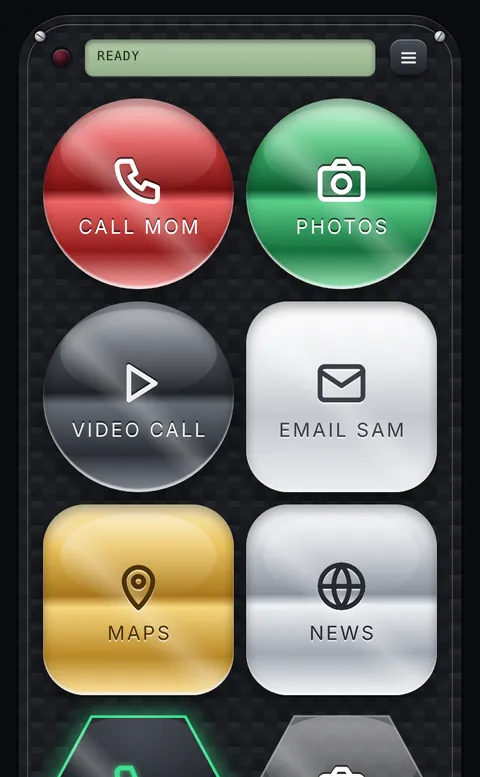
Give each person their own button with their name, or their photo, and one tap calls or texts them. It is easy enough for kids and quick for everyone else.
What you can set up
- A Call or Text button for each family member.
- Their photo on the button, so even kids who can't read yet know who it is.
- Big buttons at 2× or 3× for small fingers (free).
- Extra buttons for the school website, a video-call app or the family calendar.
How
- Create a free account at penzap.com on the phone or tablet.
- For each person: tap a button in Edit, set When tapped to Call a number or Text a number, and type the number.
- Add their photo: Button face → Photo in the button editor.
- Under Remote size → Big buttons, pick 2× or 3×, tap Use, and add Penzap to the home screen.
Privacy
- Phone numbers stay in your account. They're never included if you share a remote in the public gallery.
Step-by-step guides
Photos and patterns on buttons comes with Penzap Pro. See Free vs Pro